
Version 1.6 helps you revisit real gifts, dated hints and recorded occasions without creating new journal entries. These reflections are read-only: to change a memory, open and edit its original saved record.
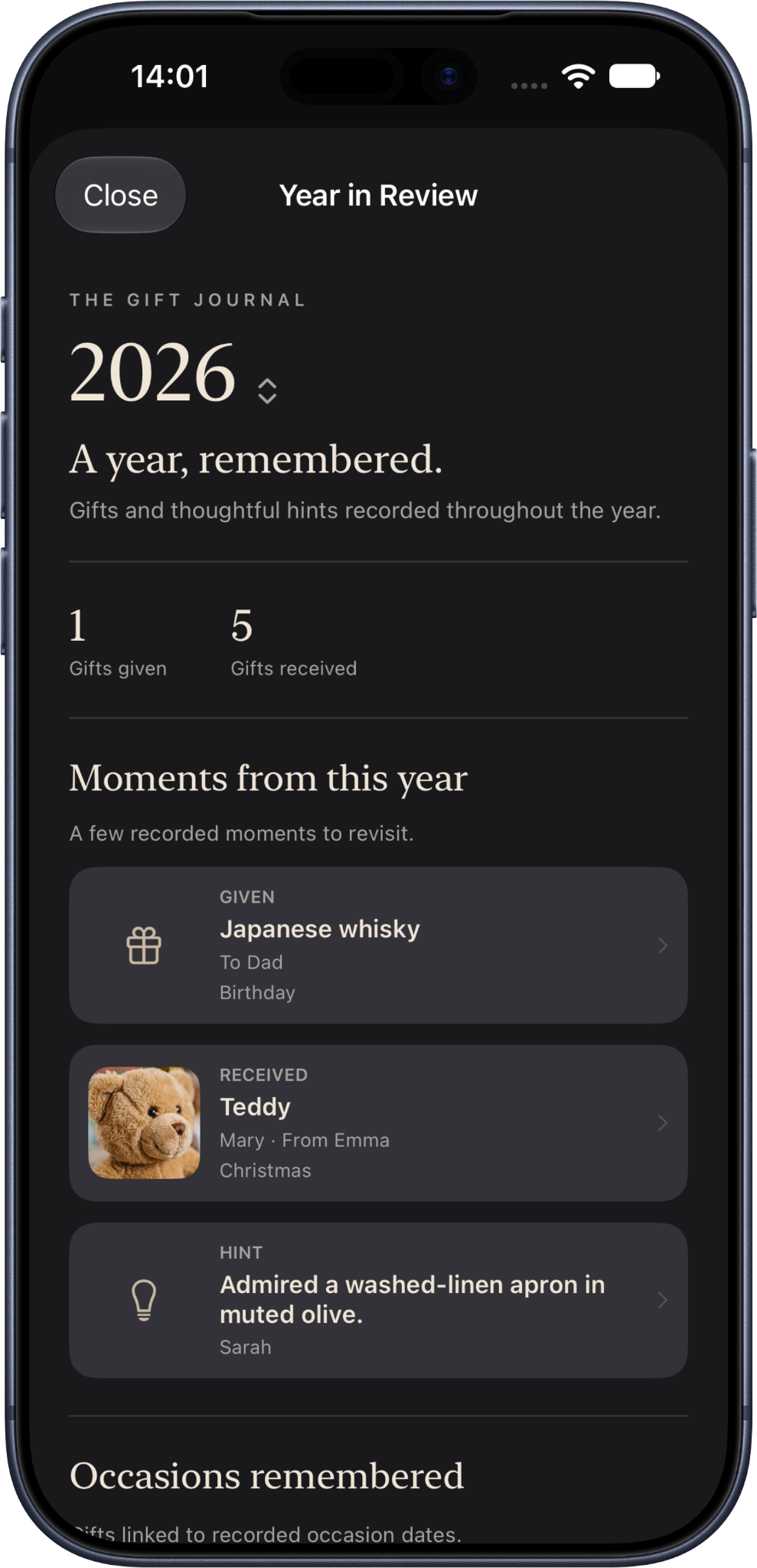
Year in Review
- On iPhone, open Journal and choose Review this year / Year in Review. On iPad and expanded Duo layouts, open Year in Review from the sidebar. On Mac, choose Year in Review in the sidebar under Journal.
- Use the year selector to choose a year with eligible dated memories.
- Browse by month to revisit gifts given and received, occasions and dated hints. Annual totals are for recorded gifts, not a ranking of generosity.
- Select a memory to open its original Gift or Hint record; on Mac the detail opens in the right-hand column.
An edited Hint date may cause that memory to appear in an earlier year. An undated record cannot be placed on a chronological timeline without evidence. Year in Review does not include technical Practical Detail change entries or invent descriptions, photographs or events.
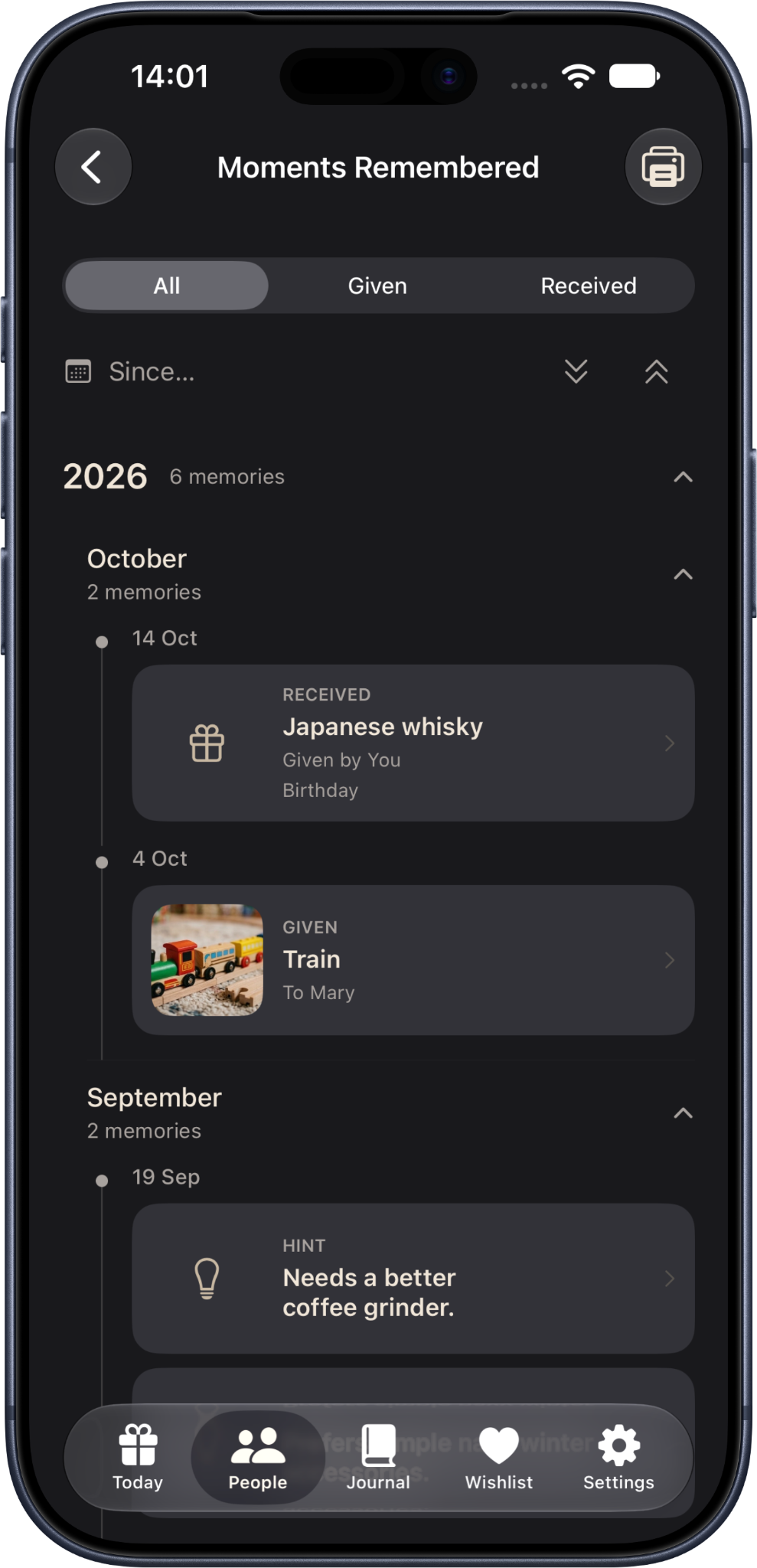
Moments Remembered
- Open a Person, navigate to History, then select Moments Remembered.
- Browse the chronological year/month sections; expand or collapse each group to focus on the period you need.
- Use All, Given or Received to filter gift direction, and Since… to narrow the date window.
- Tap a card to open its canonical source record. Gift direction is relative to the selected Person, not always relative to you.
Only eligible dated and source-backed memories appear. Protected records remain excluded from Reflection, even if they can be opened directly after authentication elsewhere in the app.
Print or save a Year in Review as PDF
- Open Year in Review and select the desired year.
- Use its Print control to open the iOS printing/share flow on a supported iPhone or iPad.
- Choose a printer or use the system’s PDF-saving route when available; check the preview before sharing or saving externally.
Mac has its own established print/PDF functionality. Printed material and exported PDFs can disclose private memories outside the journal, so choose destinations and recipients carefully. This is not a Portable Journal archive or a full backup.
Where these features appear
iPhone: Year in Review through Journal and Moments Remembered through People → History. iPad and expanded Duo: Year in Review in the sidebar with a main/detail presentation. Mac: Year in Review in the sidebar, month browsing in the middle column and selected records on the right; Person History opens Moments Remembered directly. Apple Watch: no full Reflection interface, preserving its quick capture and glance focus.
For automatic archives, their scheduling limitations and the new history log, see iCloud, backup and export.